There are many study apps available, but most don't stay on my phone for more than a few weeks. Some feel too polished and gamified, others too dry or awkward to use daily. Finding one that helps me remember things—without getting in the way—hasn’t been easy.
Anki Pro changed that. It’s straightforward, adaptable, and built for people who are serious about learning. Whether you're prepping for exams or just trying to absorb information better over time, Anki Pro gives you a reliable system that makes studying more focused and less frustrating.
The Strength of Customization and Control
Anki Pro gives you control over how your flashcards are built. You’re not limited to just typing in basic text. You can add images, audio clips, or LaTeX for technical content. This helps you design cards that match the subject. For example, a language learner might use audio for listening skills, while a medical student can upload diagrams for visual review.
The level of customization is what makes it so flexible. You can adjust how many cards show up per day, how reviews are spaced, and how the app responds when you get something wrong or right. It’s easy to make changes mid-way if your study goals shift. The app isn’t locked into a single way of doing things—it adjusts to your pace and preferences.
At the heart of Anki Pro is a spaced repetition algorithm that works quietly in the background. It figures out what you’re struggling to remember and brings it up more often, while the things you already know are reviewed less frequently. This keeps each study session efficient. You’re not endlessly reviewing every card—you’re seeing exactly what you need to see, when you need to see it.
A Seamless Study Ecosystem
One of the biggest advantages of Anki Pro is how smoothly it works across platforms. You can switch between your phone, tablet, and laptop without worrying about syncing issues. Everything updates in real time, so you never lose progress or end up with two different versions of the same deck.
That cross-device support makes it easy to turn short moments into study time. You can do a quick review while waiting in line or riding the bus, then pick up where you left off later on your desktop. The app doesn’t need constant internet access either. You can study offline, and it will sync once you’re back online.
You can also back up your data regularly, which gives peace of mind. If your device breaks or gets lost, your decks and study history are still there. And if you use multiple devices for different purposes—like a phone for reviewing and a computer for editing—everything stays connected without extra effort.
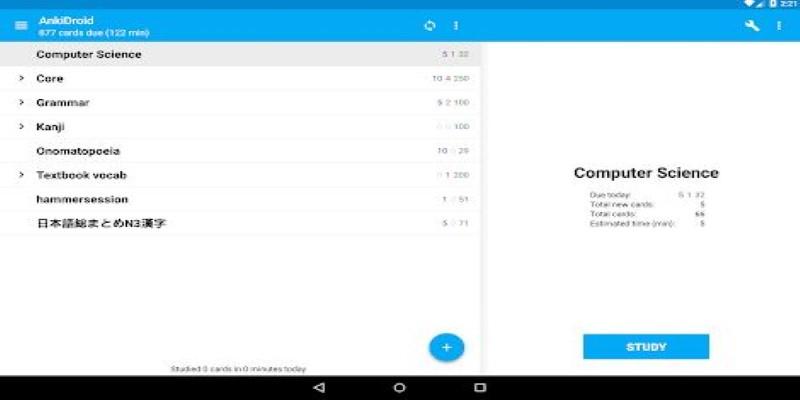
Analytics in Anki Pro are clean and useful. They don’t flood you with numbers, but they give a clear view of your progress. You can check how many cards are due, how long you’ve studied, and what percentage of cards you’re answering correctly. These simple stats help you stay consistent and make small adjustments without overthinking.
Community and Shared Decks
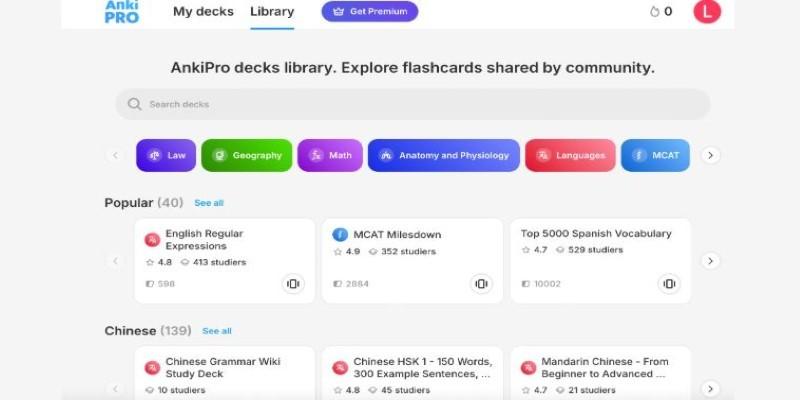
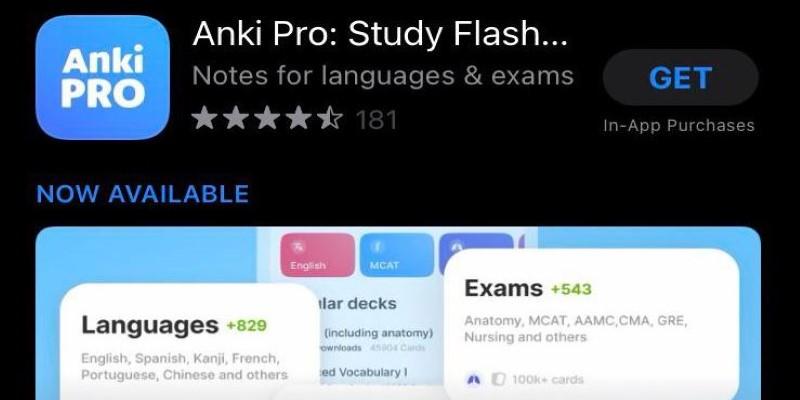
Even though building your own flashcards leads to better retention, sometimes you just need help getting started. Anki Pro offers a wide range of shared decks that cover everything from high school history to professional certifications. These decks are created by other users and can save a lot of time, especially if you’re new to a subject.
The great thing is you’re not stuck using a deck exactly as it comes. You can edit cards, add images, fix errors, or delete things that aren’t relevant. That means you get the benefit of shared material, without having to compromise your own learning style.
There’s also a helpful user community around Anki Pro. Online groups share tips, resources, and even customized templates. If you hit a technical issue or just want advice on organizing a massive deck, there are plenty of experienced users willing to help out. This adds a layer of support you don’t usually get with typical study apps.
Unlike apps that lock key features behind high-priced subscriptions, Anki Pro offers real value, even in its free version. You can upgrade if you need more cloud space or advanced tools, but most core features are fully available without having to spend money. That makes it more accessible for students and lifelong learners alike.
Staying Useful Long-Term
Anki Pro isn’t just a tool you use before a big test and then forget about. Its value holds up over time because it grows with you. Your decks can evolve as your knowledge deepens. You can tag, sort, and filter cards to revisit older material or prepare for new challenges. This makes it well-suited for lifelong learners—not just students.
For me, the biggest win has been retention. Reviewing material a little every day has become a routine I don’t resist. It feels manageable. The app nudges you just enough to keep you on track without creating stress or guilt. It’s rare to find a study app that you don’t eventually grow tired of. Anki Pro has kept its place on my home screen for years.
Its minimalist design helps too. The focus is always on the content, not the interface. There are no distractions or useless animations. It does what it needs to do—and it does it very well.
Conclusion
Anki Pro isn't about flashy features or clever marketing. It's about staying focused and making the most of your time. It works quietly but effectively, letting you build real knowledge in a way that sticks. After using it daily for years, I can say it hasn't just improved how I study—it's changed how I learn altogether. Whether you're just starting or looking for a serious upgrade to your study process, this is the flashcard app that actually makes a difference. It's flexible, reliable, and built to support real learning—now and for the long haul.